HelloMiners is getting an update to the economy, with quality of life additions brought in alongside this update!
Not a shop plugin and a jobs plugin sitting next to each other - a series of systems, where the business you build, the work you take, the property you sell and the quests you finish are all interconnected, talking to each-other.
For some time now, you have had the ability to establish a company. That system had many aspirations, but not a lot of capability. We have built out a replacement for the guilds plugin, keeping the same features that people liked, but adding significantly greater possibilities for the company to flourish. That company can now open divisions in seven different trades. Your company’s standing raises what every one of those divisions earns. A building contract you finish goes on your construction firm’s record. A house you show feeds your agency’s ladder. None of it sits on its own.
There is a lot arriving at once, so this post is doesn’t cover all details. Each section links to a full post on that system where needed!
Companies
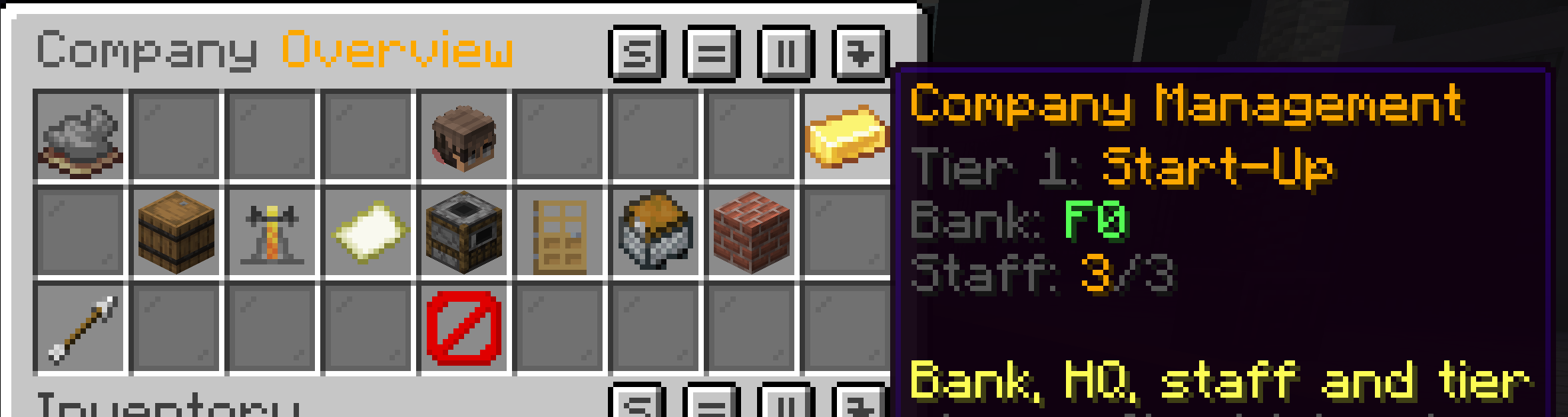
A company is a business with your name on it. You found one for F30,000, you hire people into it, and it grows through six tiers - Start-Up to Monopoly.
Everybody in your company works in every part of it. You hire someone once, into the company, and they can work in your brewery, your bar, your restaurant and everything else you own. There is no separate hiring for each side of the business.
The tier ladder is the spine of the whole thing. Each tier raises your headcount, your bank, your shared storage - and what your work pays, across every trade you run at once. A Monopoly company running six trades earns 25% more in all six.
→ Companies and Industries -the full post
Seven trades
Your company opens a division in whichever industries you want to work in.
| Trade | What it is |
|---|---|
| Brewing | Ferment, distil and age drinks. Sell to the government, or supply a bar directly |
| Bars | A venue. Every drink enjoyed inside your radius counts as one you served |
| Restaurants | Cook at scale and sell meals from a shop on your own premises |
| Supply Chain | Shops, stores and warehouses trading as a single business |
| Map Art | Build the floor, let the map draw it, sell the result |
| Real Estate | List, show and sell property, and take the commission |
| Construction | No shop, no crop - the work comes from the job board. Buildings, demolition, roads and rail |
Each has its own six-tier ladder, its own board of work, and its own requirements to climb. Tier 1 is free everywhere: you pay when you want to move up.
They are meant to be specialised in rather than collected. Running all seven to the top is possible and expensive, and being genuinely the best brewer on the server is worth more than being mediocre at everything.
Work, for people who do not want a company
None of this is compulsory, and a good deal of it needs no business at all.
/hmquests
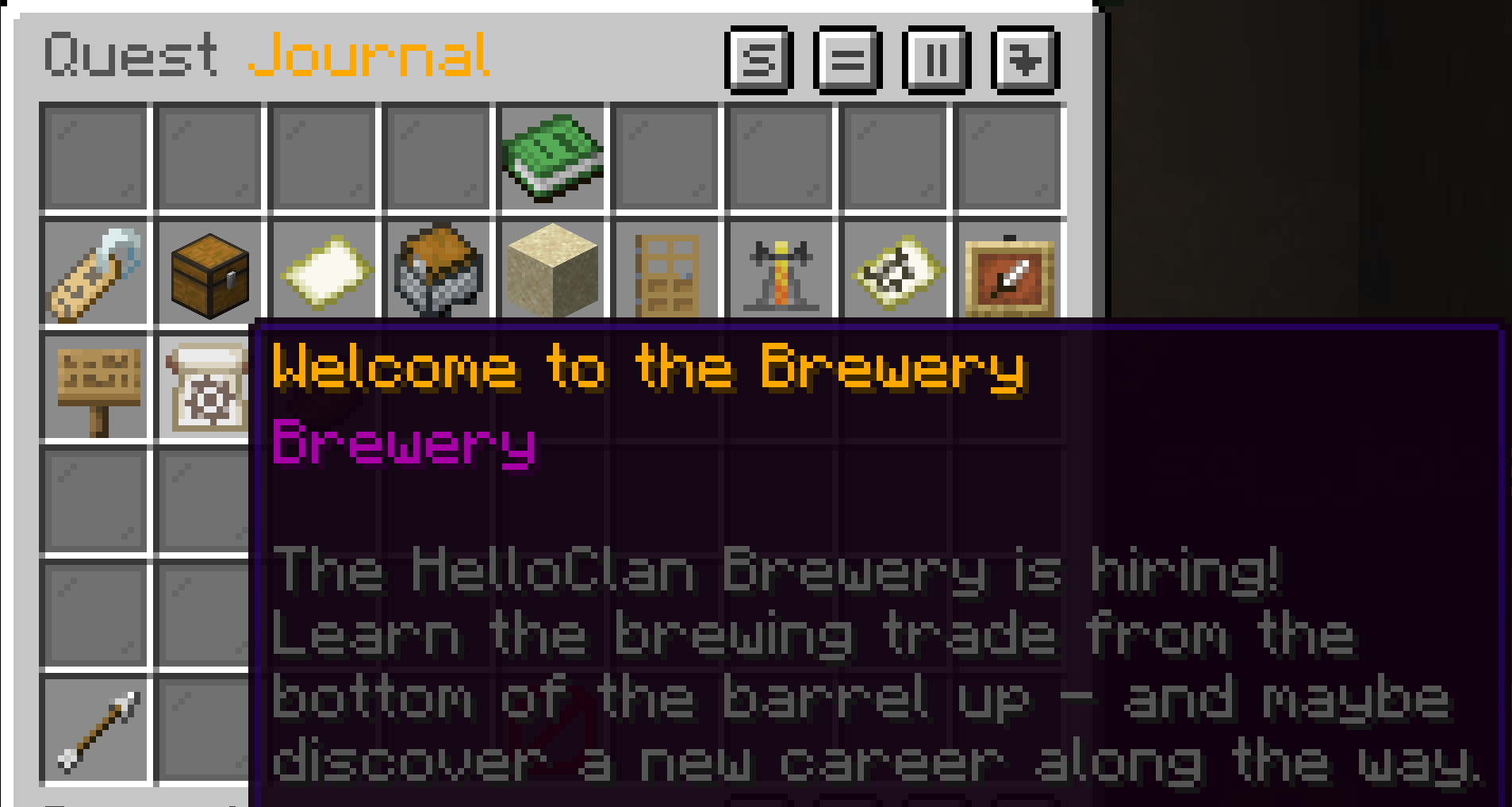
One journal holding everything: guided intro quests that teach you a system by walking you through it, boards of work for your divisions if you have them, personal boards open to anyone with no company whatsoever, and Odd Jobs - nine shift-work job variants scattered around the map paying F70 to F130 for a few minutes.
Take a parcel or meal, find the person who wants it, hand it over, get paid. That is the whole thing, and it is a perfectly reasonable way to play.
→ Quests, intro runs and odd jobs - the full post
The job board
/contract
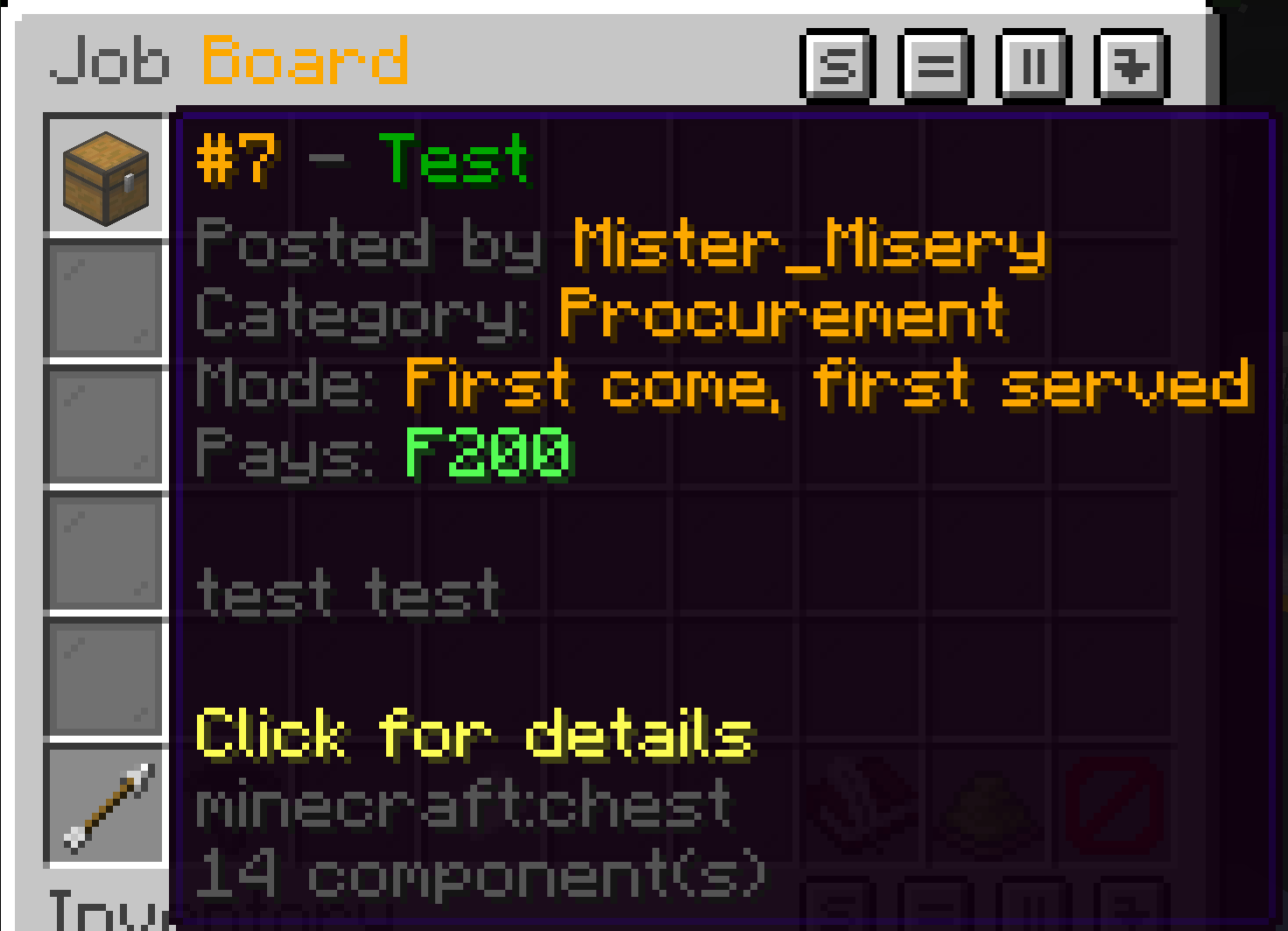
Post work you want doing, or take work other people have posted. Anything from F100 to F5,000,000.
The money is escrowed the moment the job goes up. Nobody has to go first and nobody has to trust anybody - the funds are out of the poster’s hands and not going anywhere until the work is signed off.
The government takes no cut. The full amount reaches whoever did the work.
Jobs can also run as a reverse auction, where workers bid the price down against your budget and the lowest standing bid wins. If it comes in under what you offered, the difference comes back to you.
→ The contract system - the full post
Property
/property
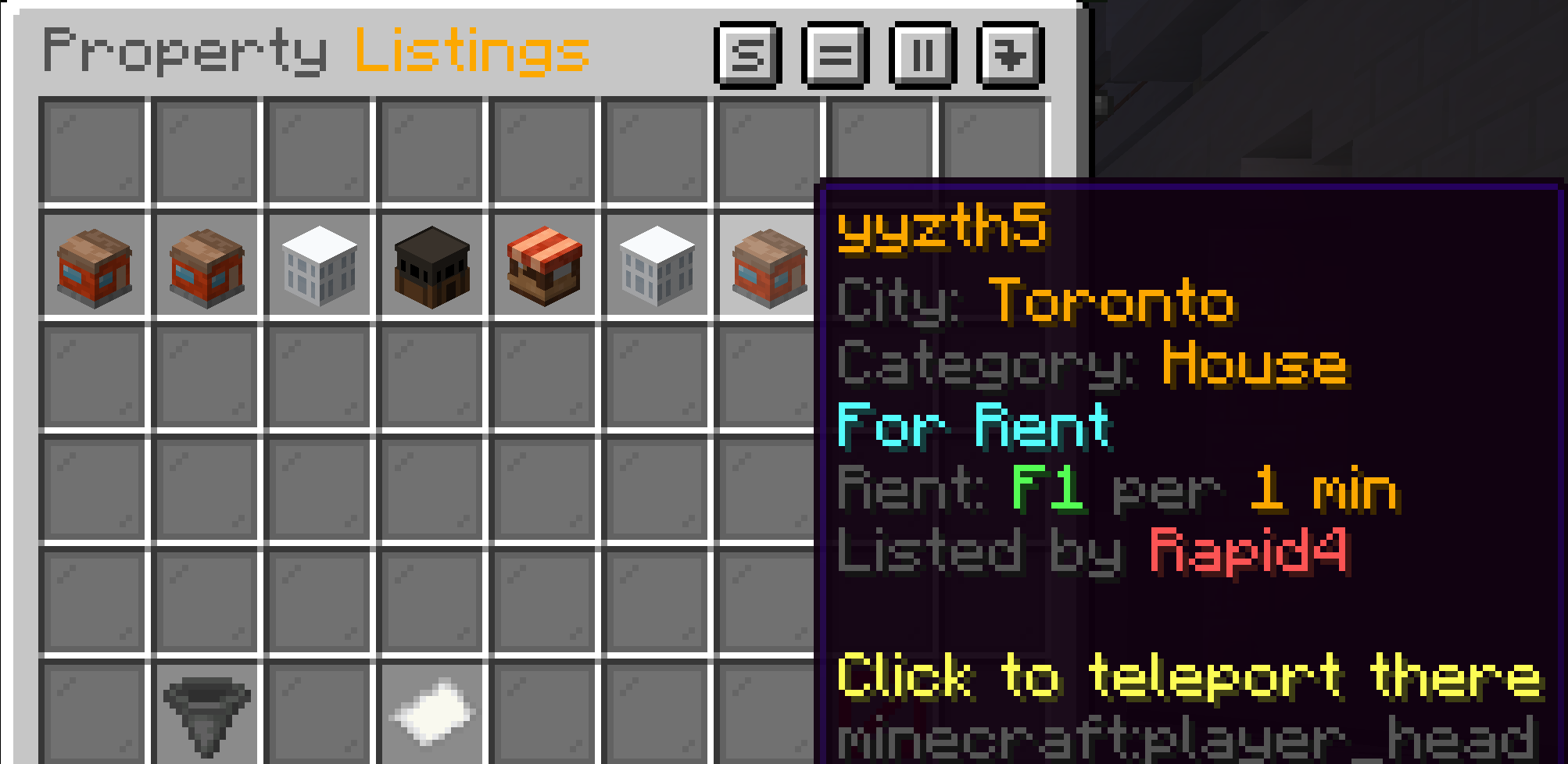
Every house, apartment, plot and skyscraper that is genuinely for sale or for rent, in one browser, with the city and the price on the listing before you commit.
Buying and renting work through the same region signs you already use. What sits on top is a listing board that actually knows what is available once a listing has been created - and agencies, so somebody can take your property to market on your behalf and earn a commission for doing it well.
→ The property system - the full post
One place to find work
/hmjobs
Jobs, companies, quests and the job board, one click apart. Brewing, Mining and Cooking each have a progression page showing exactly where you stand and what the next step needs.
If you only remember one command on this server, make it this one.
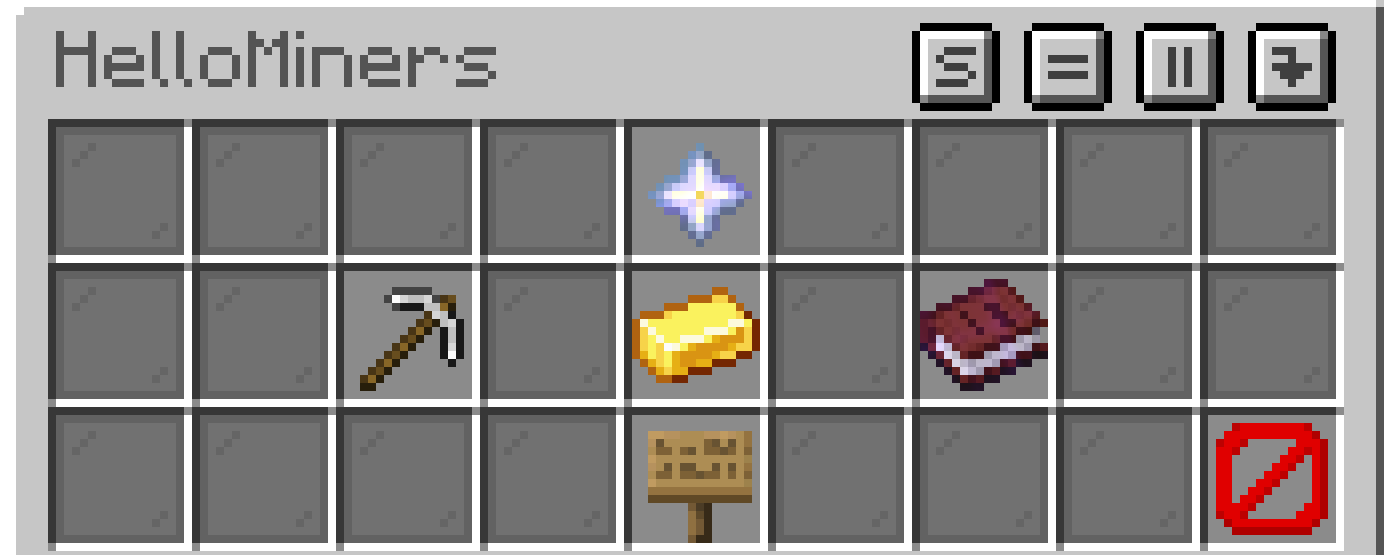
Getting around
Job Centres and Private Farms are networks of places worth going, reached by talking to somebody rather than typing a warp. Job centres are where work happens; private farms are somewhere to grow things without owning the land. Some are free, some charge a fare, and the menu tells you before you commit.
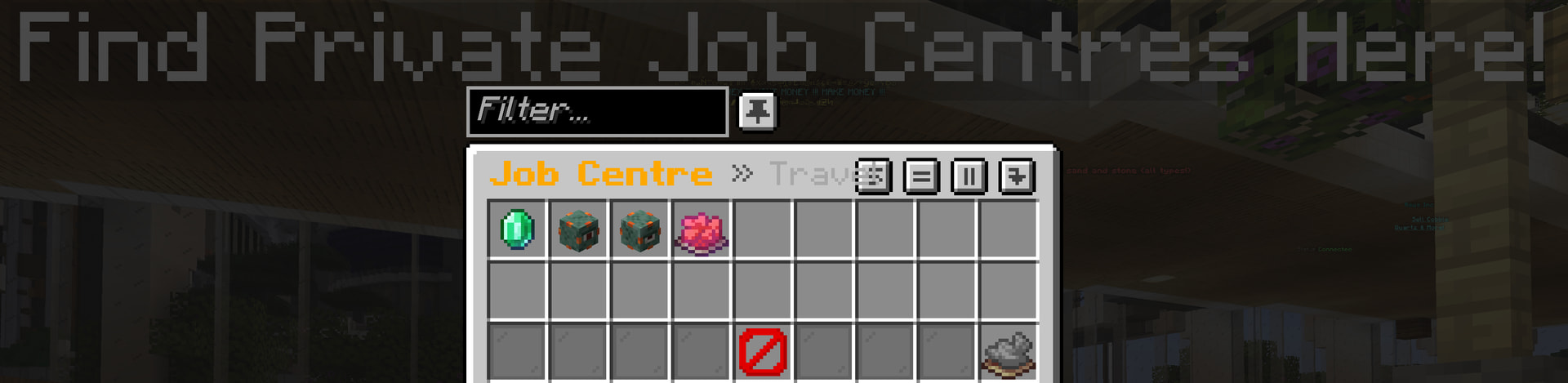
Job Centres
Right-click a Job Centre NPC and you get a menu of every centre on the network. Pick one, pay the fare if there is one, and you are there.
They are where work happens - the places to find employers, notice boards and other people doing the same thing you are. A city with a job centre is a city where a new player can turn up and get started.
Private Farms
The same idea for farmland. A menu of every farm on the network, a fare, and a trip.
Somewhere to grow things without needing to own the land, and without a two-minute walk each way every time you want to check on your wheat.
Travel Fare
Each destination sets its own, and plenty are free. The menu shows the cost before you commit - nothing charges you without telling you first.
Some destinations are privately run, and the fare goes to whoever runs them rather than to the government. That is deliberate: if somebody has built a place worth travelling to, they should get something for it.
You cannot travel somewhere you cannot afford. The menu will tell you what you are short.
Supply chain companies
If your company has a job centre or a farm linked to it, both are in /supplyco alongside everything else. You do not have to go and find an NPC to use a place your own business is connected to.
Quick reference
| What | How |
|---|---|
| Travel to a job centre | Right-click a Job Centre NPC |
| Travel to a private farm | Right-click a Private Farm NPC |
| From your company | /supplyco, then the job centre or farm slot |
If a destination you expect is missing from the menu, it has not been added to the network yet. Mention it to staff - the list is theirs to extend, and a good spot nobody can reach is a wasted build.
The cargo port
The pits are getting a status panel - your tier, today’s earnings against your cap, your seniority multiplier and any boost running - plus two rules worth reading if you haul regularly.
Pit material stays in the port. You cannot place it inside the port area, and anything of the pit’s still on you when you leave is bought off you at F0.10 a block, shulker contents included. Mine, get paid per block, walk out with the money rather than the sand.
→ The cargo port - the full post
Your action bar
The line of text above your hotbar does something useful.

What it does
Track a quest, take a contract, or go to view a property, and it goes on the action bar: what you are doing, an arrow pointing at it, and how far away it is.
Follow the arrow. If the job moves you on to a new target, the bar moves with it. You should not need to keep a menu open while you work.
More than one at a time
You can track more than one thing. When you do, each one shrinks to a compact form and they sit side by side - navigation on the left, quest tracking to its right.
Track one thing and you get the full version with the detail. Track three and you get three short ones. The bar sorts this out on its own, and it will not let itself get so crowded that it stops being readable.
It cleans up after itself
Stop tracking something and it disappears from the bar. Finish a quest and its line goes. Nothing lingers, and nothing needs a command to clear.
Starting and stopping
Anything that puts a line on the bar has its own way to stop:
| What | How to stop it |
|---|---|
| A tracked quest | Click it again in /hmquests |
| A contract | /contract, open it, toggle the GPS off |
| A property viewing | /property untrack |
| The cargo port panel | /cargohud - that one is a sidebar, not the action bar |
Nothing here is compulsory. If you would rather work without a waypoint, do not track anything and the bar stays empty.
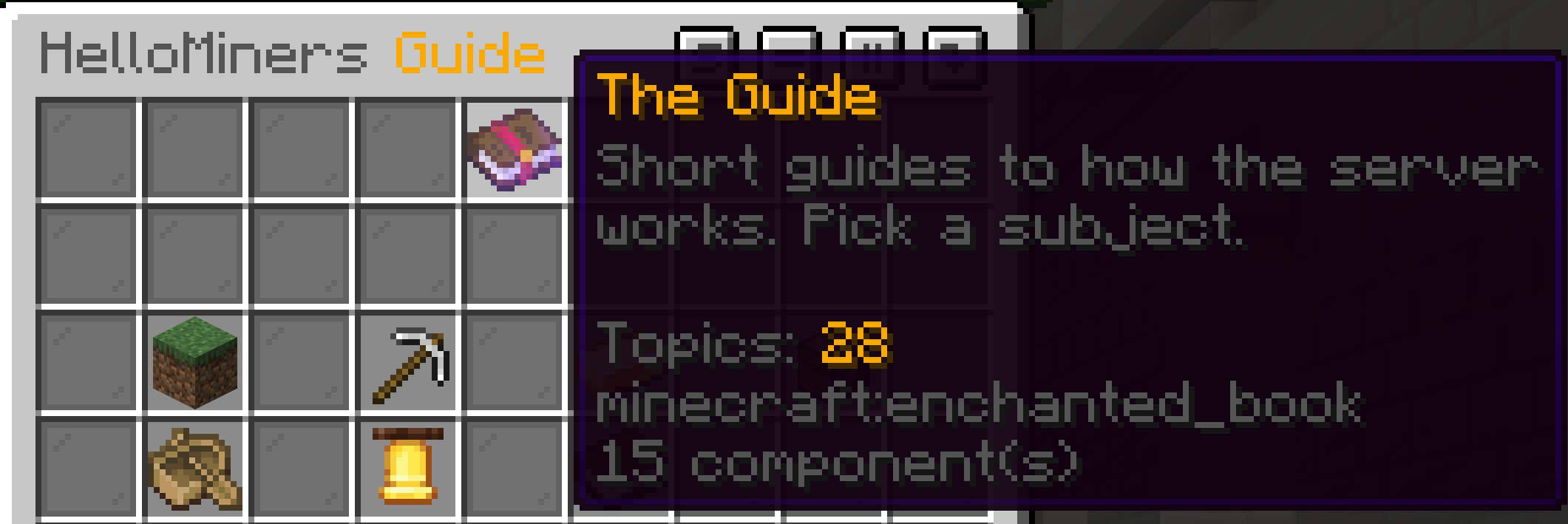
The guide
/hmguide
Around thirty topics explaining how the server works, written to be read rather than searched. Every trade, plus getting started, getting around, cities, shops and making money.
→ The in-game guide - the full post
Where to start
If you are brand new: /hmjobs, then work a couple of odd jobs. Run an intro quest for whichever trade sounds interesting. Do not buy a company on your first day.
If you have been here a while: the intro quests are the fastest way in. They are short, they pay, and they cover ground that is worth knowing before you commit money to anything.
If you want to run a business: pick one trade and be good at it. Found the company, get the division open, and let the tier ladder pull you along. The second trade is much easier once the first is paying.
If you build: the job board is the piece for you. People can pay you properly for a build now, and neither side has to trust the other for it to work.
A note on how this was built
All of this was written for this server rather than installed onto it. That means it fits, the pieces talk to each other, and when something is wrong we can actually fix it instead of filing a ticket with somebody else.
It also means the bugs are ours. If something looks wrong, tell us rather than repeating it - almost everything here is logged and almost everything can be put right, but repeating a payout that looked like it failed is the one thing that makes it hard to fix.
Open a ticket or create a thread in the bugs channel of the official discord, and I will address the issue as soon as I can!